Upload the product
Start from a clean product reference photo so the result can preserve packaging, shape, and color.
AI product photography
Upload one product reference, describe the scene, and generate a polished image while keeping packaging, shape, and color recognizable.
Output
1 product image
Estimated
10 credits
Review
Product-first
AI product photo generator
Upload a product reference, describe the scene, and generate one ecommerce-ready image while keeping the product recognizable.
This run
1 product image
Estimated
10 credits
A focused ecommerce scene in the selected ratio.
Upload product reference
JPG, PNG or WEBP · Max 10MB
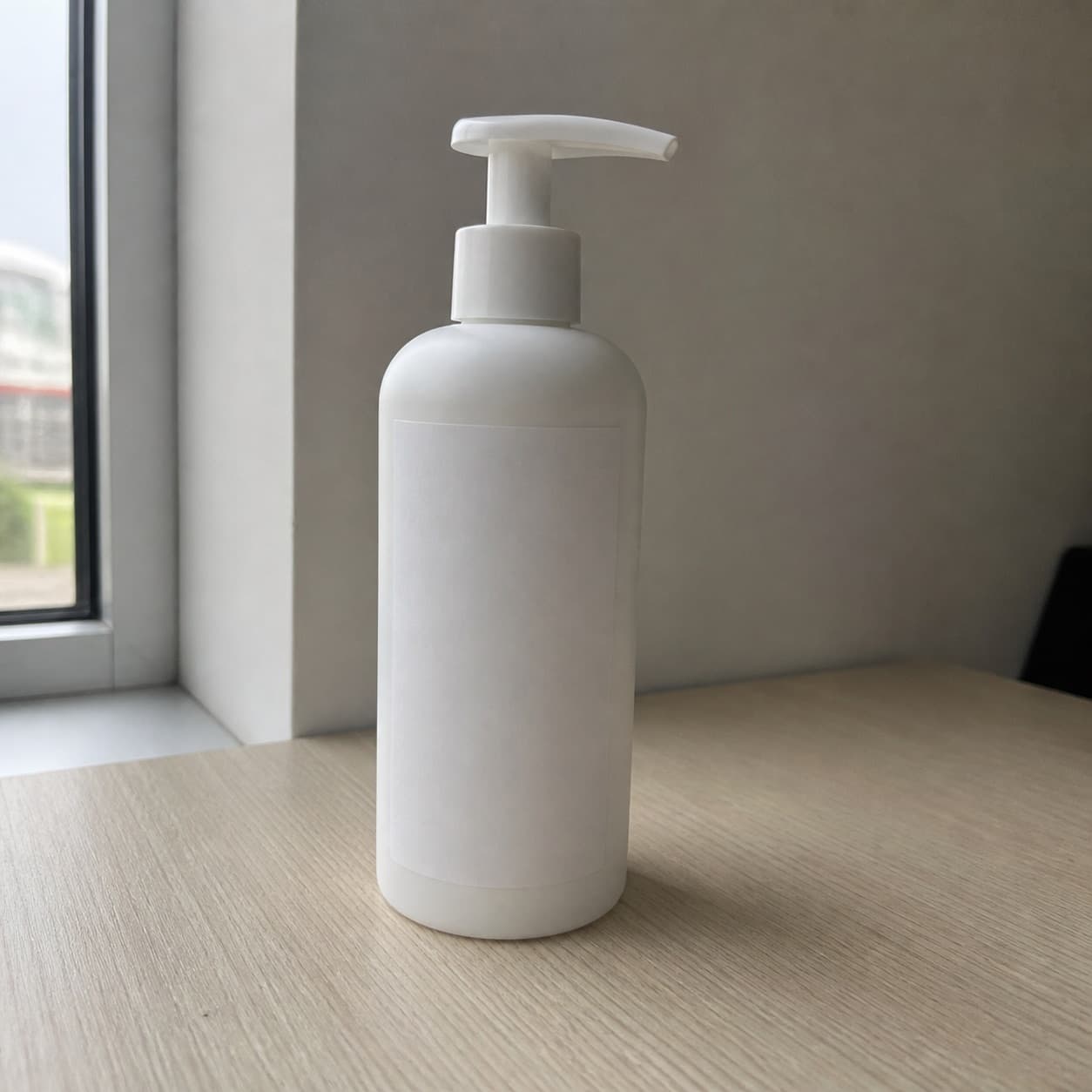
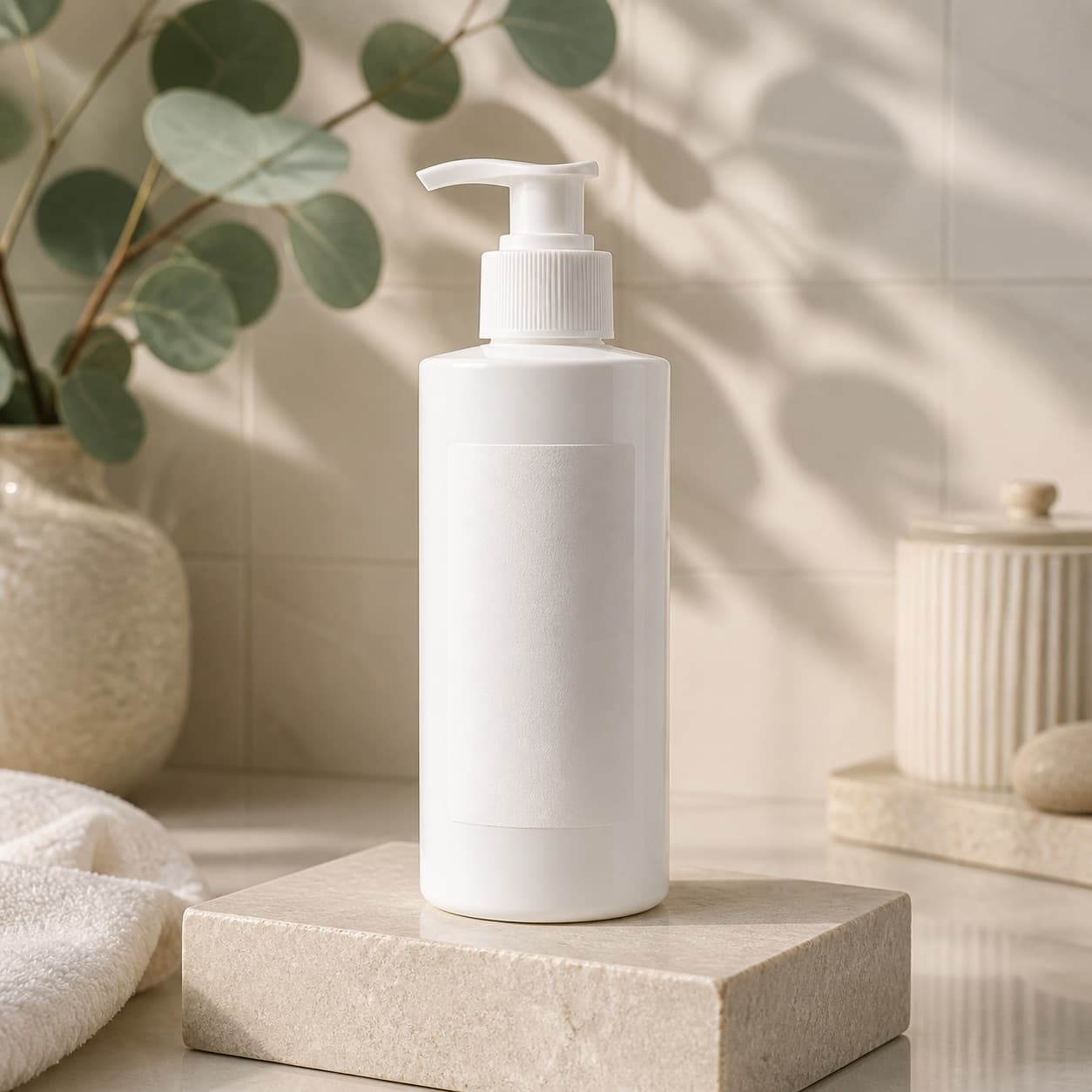
Product photo example
A clear product reference gives the model a stronger starting point for preserving shape, packaging, and color.
How it works
Start from a clean product reference photo so the result can preserve packaging, shape, and color.
Use structured templates for studio, marketplace, lifestyle, seasonal, and campaign visuals.
Download the best result, copy the prompt, or regenerate a tighter variation for the same SKU.
Before you publish
AI can help explore visual directions, but your team should verify packaging text, logos, product structure, claims, and current marketplace requirements before publishing.
View generation creditsCatalogScene is built around product references, ecommerce scene prompts, channel ratios, and repeatable SKU workflows.
Use a clear source image and precise prompt instructions. For important text or packaging, start with a reference image workflow.
CatalogScene
Generate the planned outputs, review every asset, and keep successful images in your records.